Week board
Bảng tuần
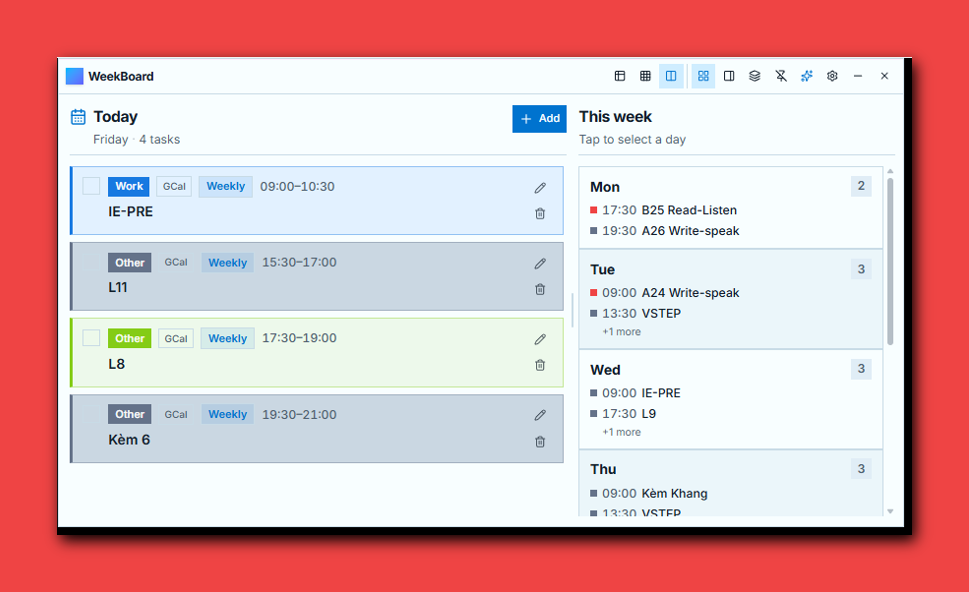
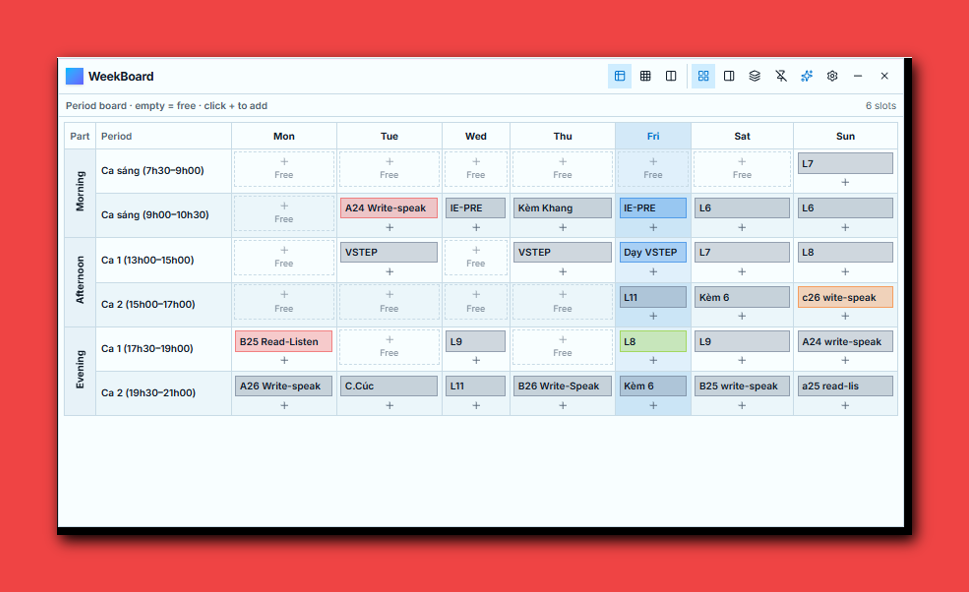
Split detail view, full-week grid, or teaching-style period matrix. Switch in one click.
Xem 2 cột, lưới cả tuần, hoặc bảng ca học. Đổi view một cú bấm.
WeekBoard is a floating timetable widget for Windows: class periods, Google Calendar two-way sync, themes, reminders, and optional Gemini AI — data stays on your PC.
WeekBoard là widget thời khóa biểu nổi trên Windows: bảng ca học, đồng bộ Google Calendar hai chiều, theme, nhắc nhở, AI Gemini tùy chọn — dữ liệu nằm trên máy bạn.
Not another browser tab. A desktop board you can pin, dock, or collapse to a slim rail.
Không phải thêm một tab. Bảng desktop có thể ghim, dính mép, hoặc thu thành thanh mỏng.
Split detail view, full-week grid, or teaching-style period matrix. Switch in one click.
Xem 2 cột, lưới cả tuần, hoặc bảng ca học. Đổi view một cú bấm.
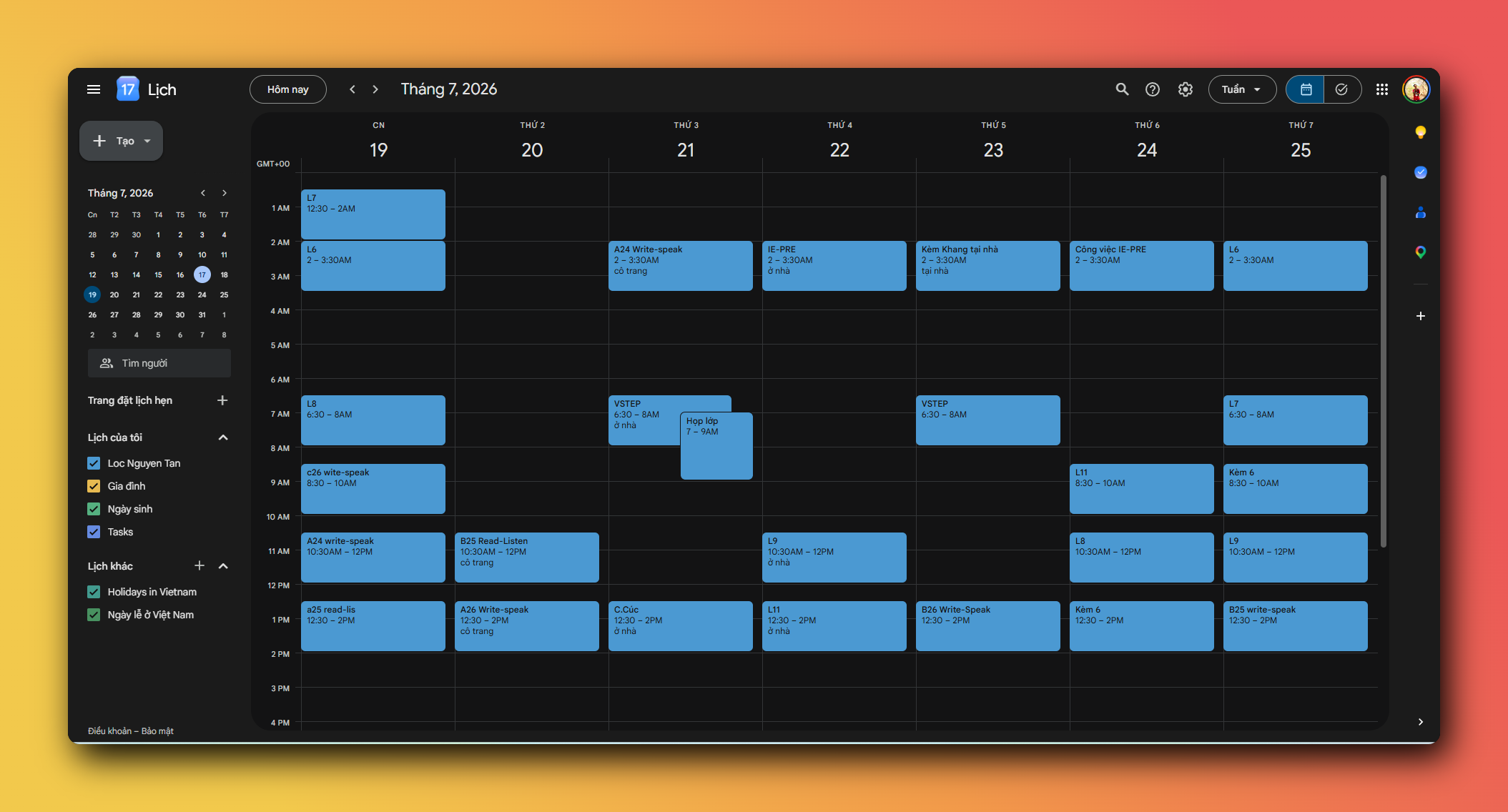
Sign in once. Two-way sync for the next 30 days — free slots and filled classes stay clear.
Đăng nhập một lần. Đồng bộ hai chiều 30 ngày tới — ca trống / có tiết rõ ràng.
Ocean, Midnight, Sakura, Forest, Cyber — full palettes, not just light/dark.
Ocean, Midnight, Sakura, Forest, Cyber — palette đầy đủ, không chỉ sáng/tối.
Native Windows toasts before task start (5 / 15 / 30 / 60 minutes).
Thông báo Windows trước giờ bắt đầu (5 / 15 / 30 / 60 phút).
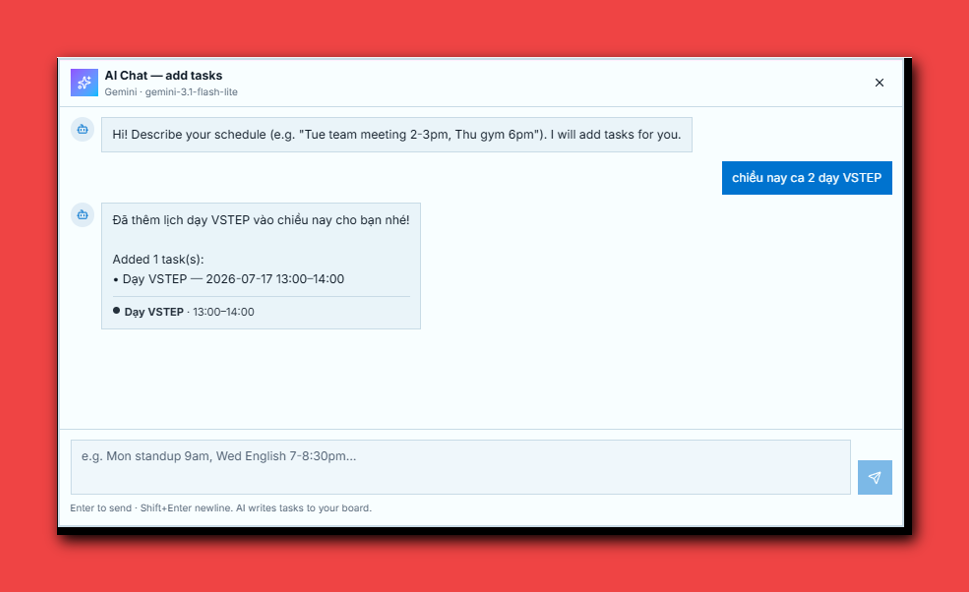
Paste your own Gemini key to turn chat into structured weekly tasks.
Dán Gemini API key của bạn để biến chat thành việc trên bảng tuần.
Frameless glass window, system tray, pin, startup with Windows, skip taskbar.
Cửa sổ không viền, khay hệ thống, ghim, khởi động cùng Windows, ẩn taskbar.
From install to a living weekly board in minutes.
Từ cài đặt đến bảng tuần sống động trong vài phút.
Download the desktop build and run WeekBoard. It lives in the system tray.
Tải bản desktop và chạy WeekBoard. App nằm ở khay hệ thống.
Add weekly or one-time tasks. Or enable class periods and fill free slots.
Thêm việc lặp tuần hoặc một lần. Hoặc bật ca học và điền ô trống.
Sign in with Google. Sync auto-runs on open and when you change tasks (next 30 days).
Đăng nhập Google. Tự đồng bộ khi mở app và khi sửa việc (30 ngày tới).
We built WeekBoard so you don’t need to trust a WeekBoard cloud with your calendar.
WeekBoard không cần đám mây riêng để giữ lịch của bạn.
Tasks, settings, and OAuth tokens are stored on your device — not on a WeekBoard server.
Việc, cài đặt và token OAuth lưu trên máy — không có server WeekBoard thu lịch mặc định.
Desktop public-client flow with loopback redirect. You can revoke access anytime in Google Account settings.
Luồng desktop public client + redirect loopback. Thu hồi quyền bất cứ lúc nào trong tài khoản Google.
Sync targets about the next 30 days. Weekly series use limited RRULE windows — not “forever spam”.
Đồng bộ khoảng 30 ngày tới. Chuỗi weekly có UNTIL — không nhồi lịch cả năm vô hạn.
Gemini only runs if you paste your own API key. We don’t sell data.
Gemini chỉ chạy khi bạn dán API key. Chúng tôi không bán dữ liệu.
Use these URLs for Google OAuth consent (public app) and for your users.
Dùng các URL này cho Google OAuth consent (public app) và cho người dùng.
Contact: Liên hệ: locnt.ssj@gmail.com
Get the Windows build, enable startup if you like, and keep your board one click from the tray.
Tải bản Windows, bật khởi động cùng hệ thống nếu muốn, và mở lại từ khay một cú click.
Site: weekboard.teacher-aid.org
· Source: npm install · npm run tauri build
Trang chủ: weekboard.teacher-aid.org
· Mã nguồn: npm install · npm run tauri build